Taskfinder
Keep your project-related tasks where they belong - with your notes on the project! This program, a terminal user interface (TUI), will extract and display them, either by file or in their entirety. You can filter in a variety of ways, and then use your default terminal-based editor to edit the underlying files.
Installation, usage, etc. can be found in the project's readme at codeberg.
a really simple but really nice way of doing to-do items. [...] this one is pretty enough that I might keep going with it.
— Félim Whiteley on episode 305 of Late Night Linux
Screenshots
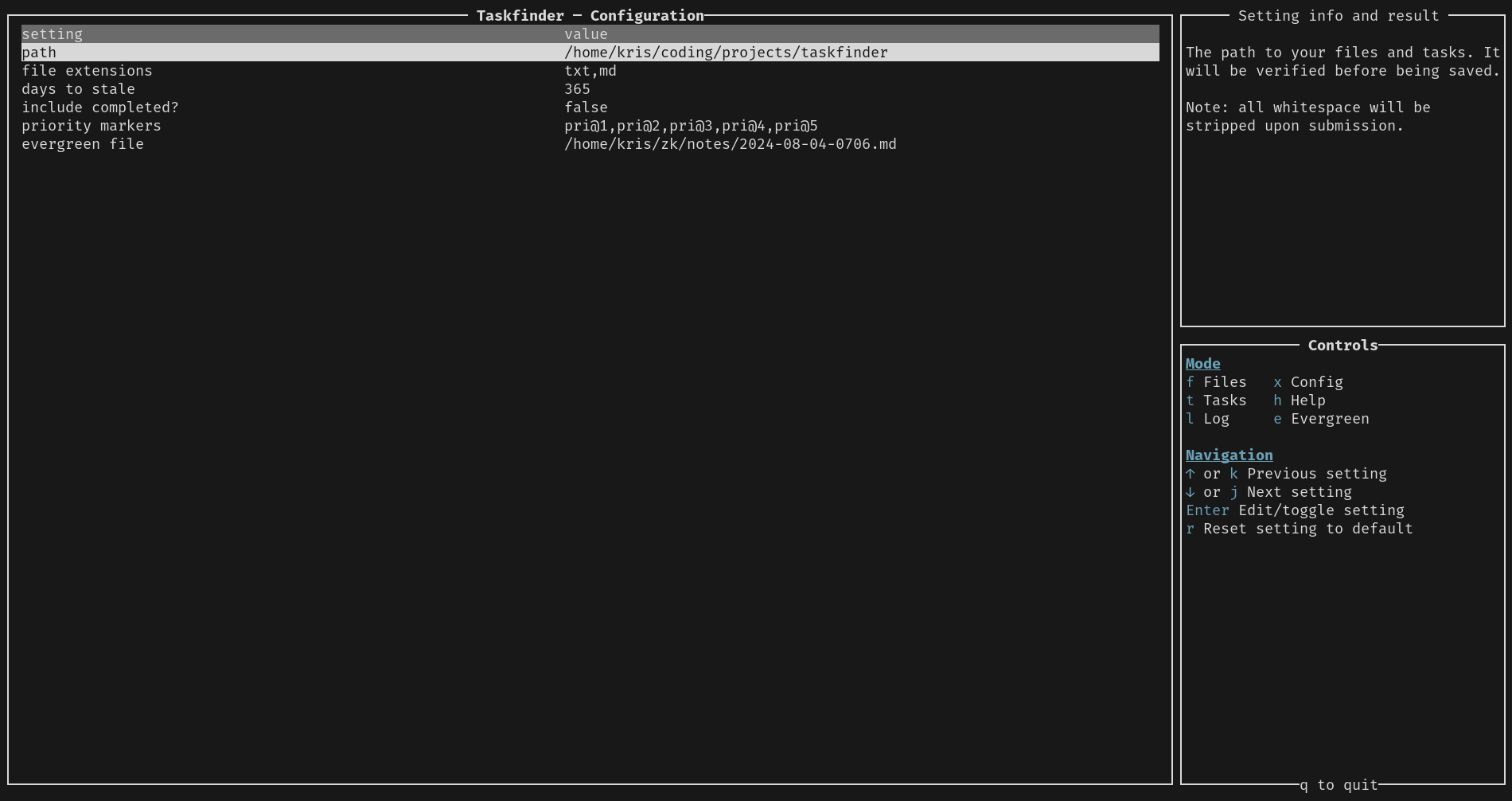
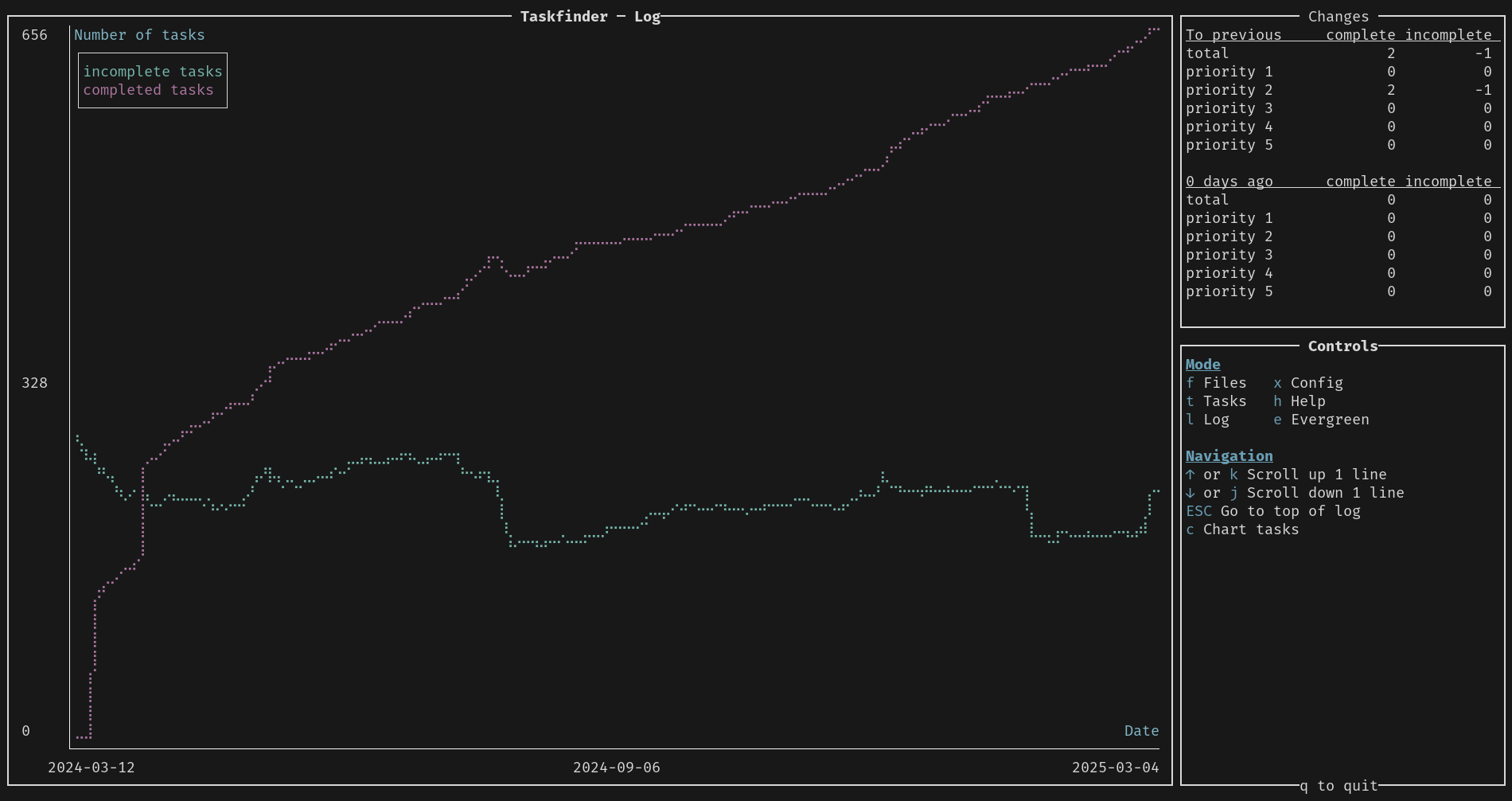
There are six possible modes that the app can be in - files, tasks, log, configuration, help, and, optionally, evergreen. Below are screenshots of a few of them. Click for full-screen versions.
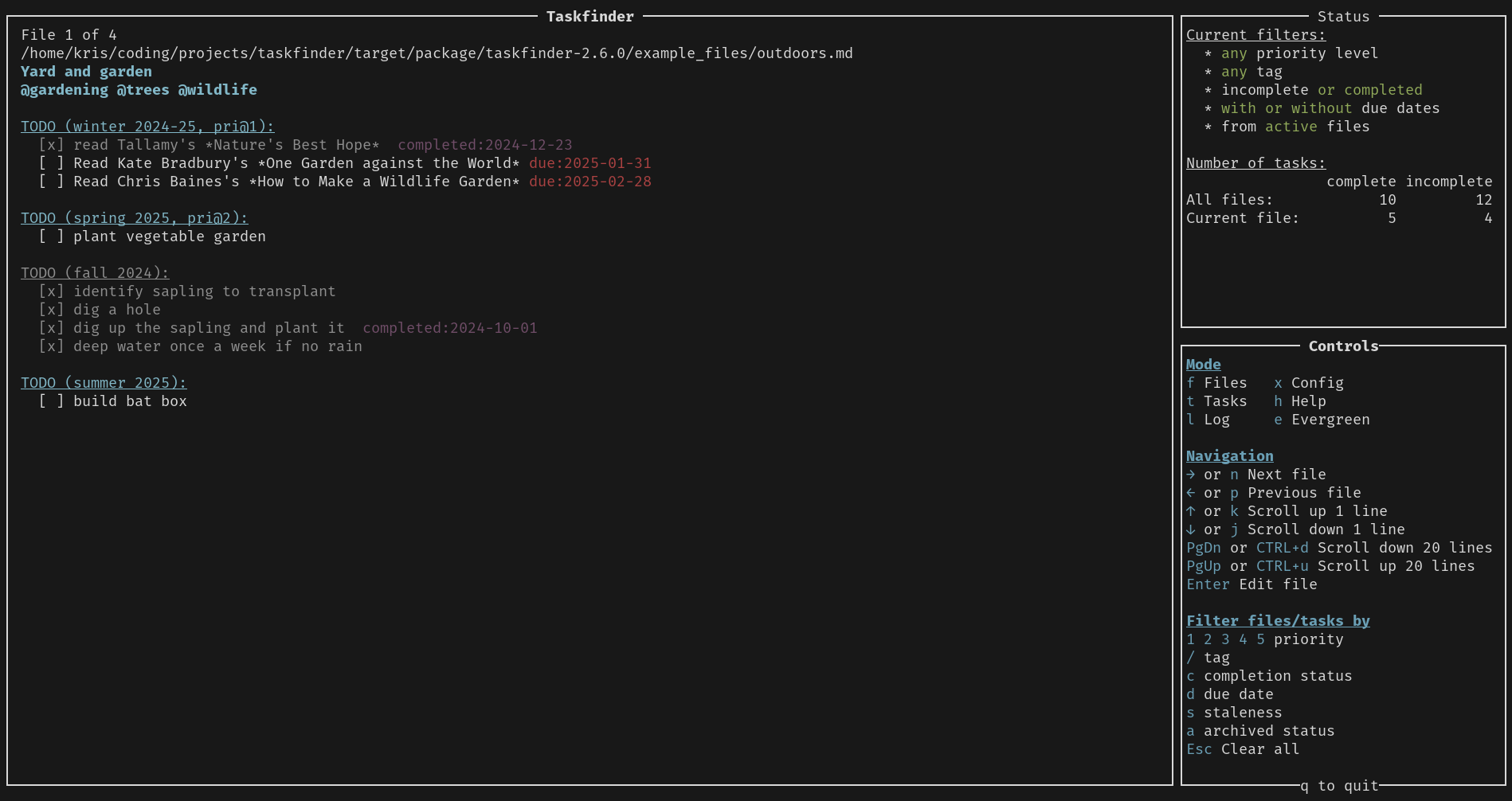
Files Mode
Files is the main mode - you can browse your files that have tasks in them and potentially edit them from the app.
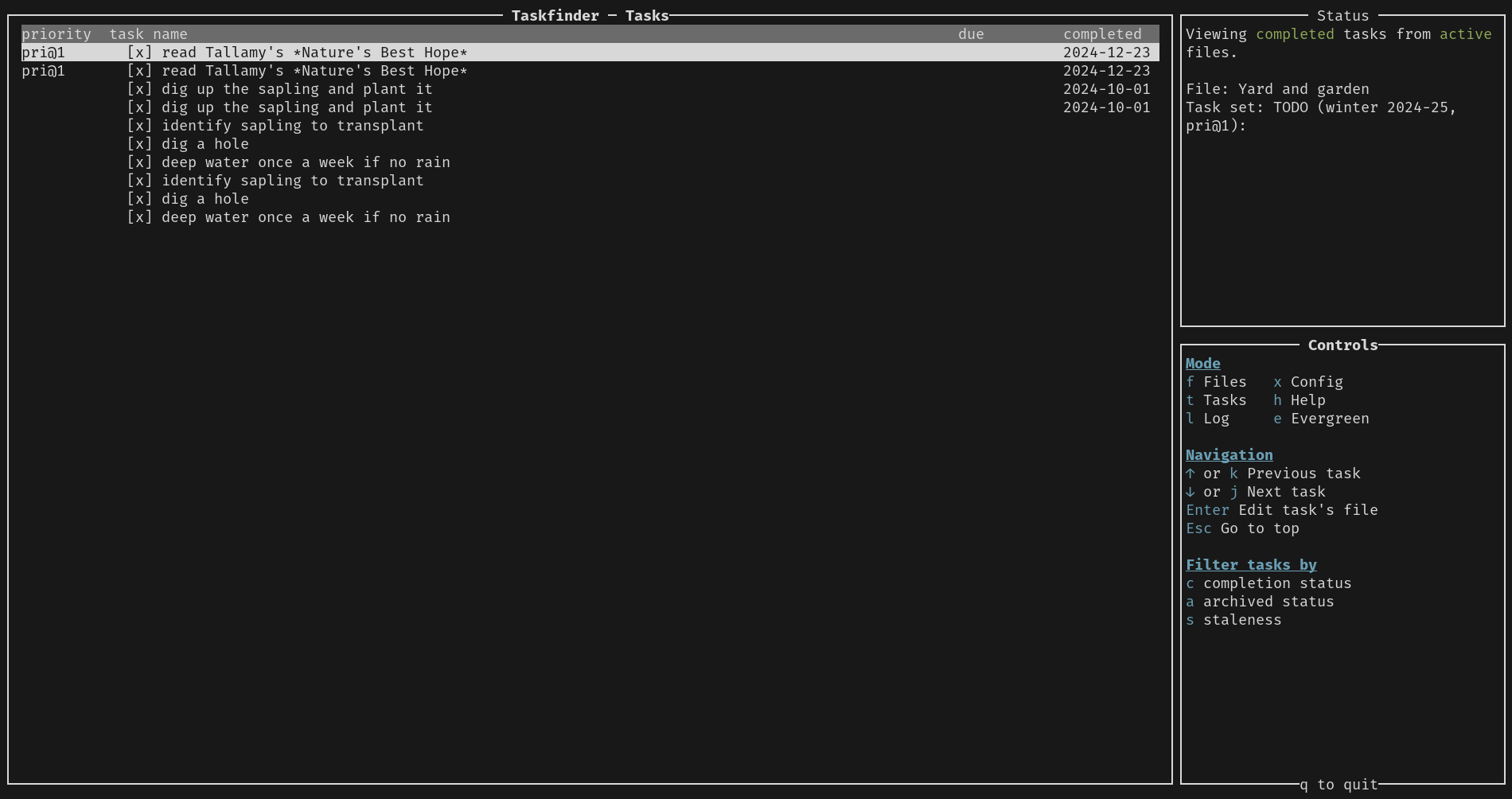
Tasks Mode
Tasks mode allow you to view all incomplete tasks (sorted by due date/priority) or all completed tasks (sorted by completed date/priority).
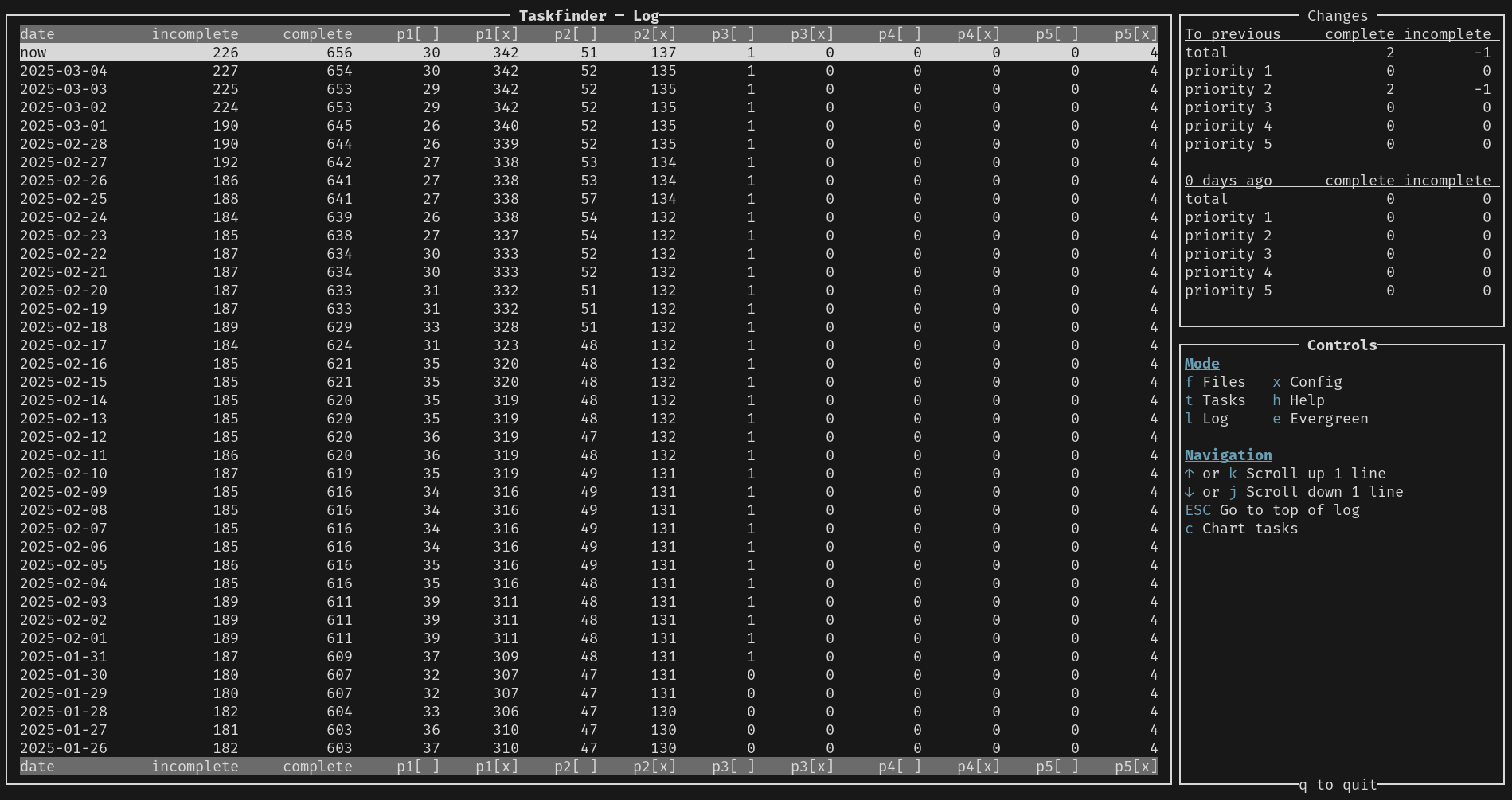
Log Mode
The log starts off in table view, but you can also view it as a chart.
Config Mode
Edit the app's configuration in this mode (though you can also edit the configuration file directly).